Accessing Webmail
If you signed in to webmail to add your recovery email address
Webmail is a quick way to access your email from any browser. It's also a convenient way to confirm that your email address and password are good to go.
- Go to Webmail. (We recommend bookmarking this sign-in page.)
- Enter your Email address and Password. (Your GDiddy username and password won't work here.)
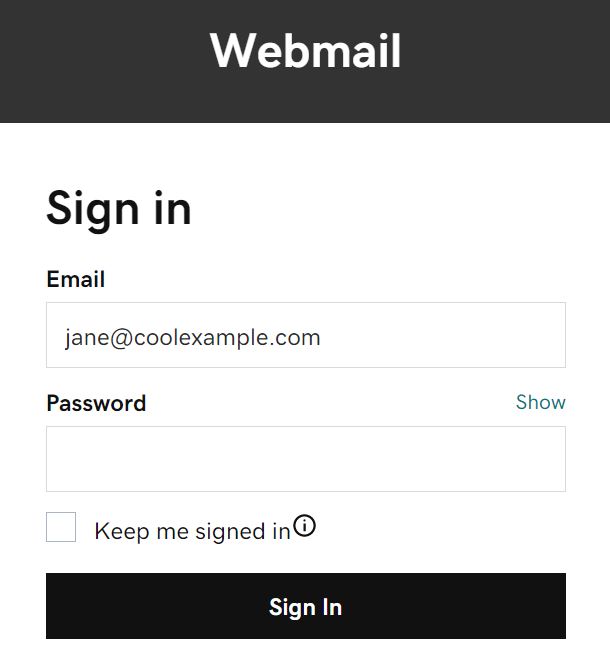
- Select Sign In to see your inbox.
Now that you have webmail access, let's get your email on your desktop, mobile phone or both.
Related Articles
Installing Microsoft Office
Unable to install Access If you are unable to locate Access on your computer although it was included with your Office 365 subscription, then you can try the following options. Update your currently installed Office First, start by opening an Office ...